
Outreach Software Built for Team Management
Run outreach as one coordinated team, reach unique leads without overlap, share winning templates, and bring team performance management into one clear view














Had used Dripify before as well, and couldn’t stop vouching for it to my Senior. Dripify is that one tool which can make your Outbound Prospecting seamless. Excellent features, great UI/UX, and greater Onboarding + Support.




Dripify is a lifesaver. I thought I’ve seen it all in the past…Until I saw the suite of tools available with Dripify!












I’ve been using Dripify for four months and have found it very effective in building my network at a pace that I could not have imagined and to engage with new connections. The interface is easy to use and building campaigns and sequences is great.






Elevate Your Squad’s Success
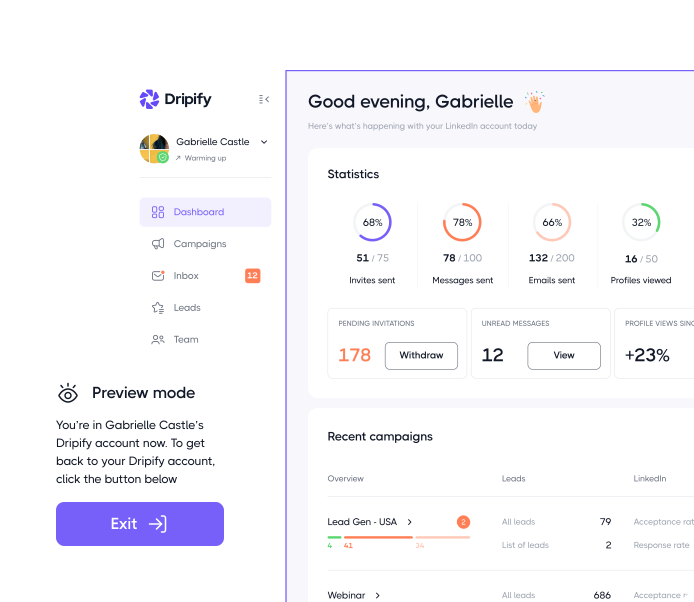
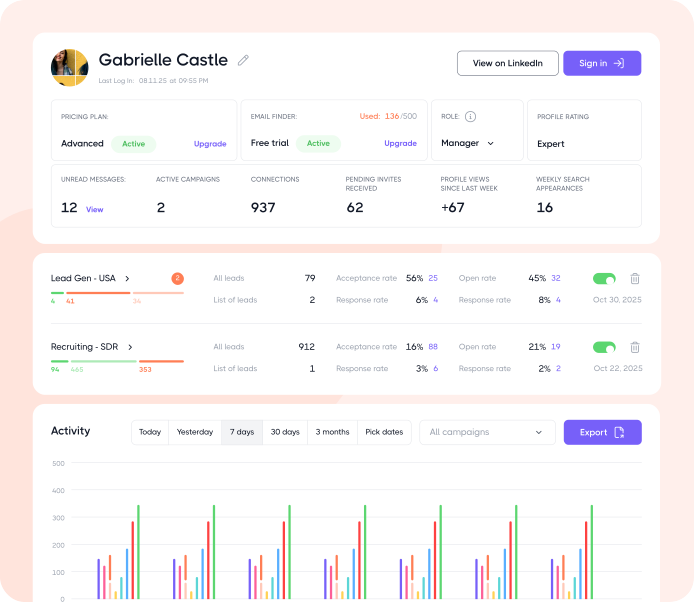
Dripify helps sales teams ramp up the outreach game and keep things way more organized with advanced team management solutions
Join 40,000+ companies making team-wide outreach embarrassinglyeasy
- No Credit Card Required
- First results in 48 hours
More ways to keep team performance in sync
Share winning sequences
Give every rep access to your best-performing sequences, so the whole team starts from a playbook that already works






Explore what else you can do with Dripify
Discover other award-winning features of Dripify, the most trusted LinkedIn automation tool
Generate leads on LinkedIn
Reach the same leads on LinkedIn and book 3x more meetings than with email alone
Find corporate emails
Discover pre-verified corporate email addresses for any LinkedIn leads with industry-leading accuracy

Automate cold emails
While LinkedIn automation is powerful, email outreach takes your prospecting even further by significantly expanding your reach
Frequently Asked Questions
Yes. Each team member needs their own Dripify subscription, since every seat is tied to a separate LinkedIn account and each person runs outreach from their own profile.
They don’t all need to be on the Advanced plan, though. A team member can use Basic or Pro and still be part of the team. They’ll be able to use templates created by the team’s Owner or Manager and benefit from lead deduplication, so prospects already found in a teammate’s campaigns can be skipped.
To use the team management features, you’ll need the Advanced plan. It’ll give you access to consolidated team analytics, quick access to teammates’ accounts, and the ability to manage your team itself.
If you’re bringing several people onto Dripify at once, you don’t have to upgrade every account separately. Seats can be upgraded in bulk, and larger teams may qualify for volume discounts, so it’s worth checking with sales when you’re planning a bigger rollout.
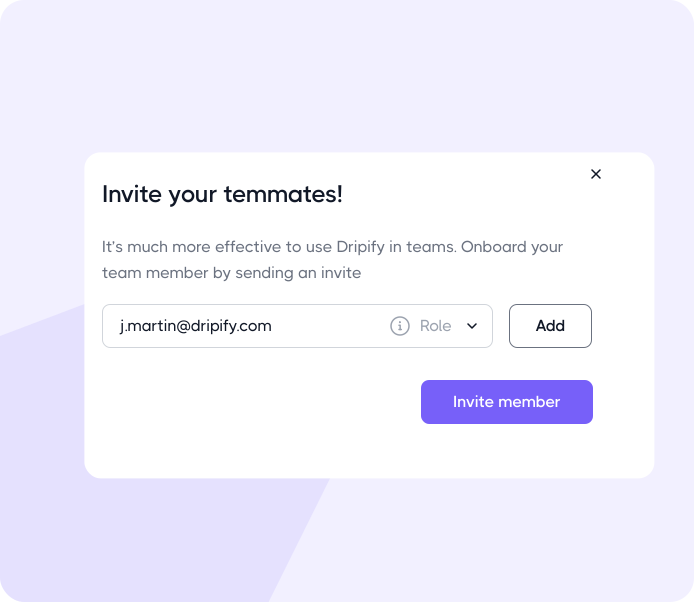
Head to your Team from the Dripify dashboard to invite a teammate. If you’re adding someone to an existing team, open that team, click Invite member, and enter their work email. They’ll receive a link to join, and once they’ve connected their own LinkedIn account, you’ll see them in your team panel.
If you’re creating a new team instead, click Add Team first. Once the team is set up, you can invite members from there.
Already have a teammate with a fully set-up Dripify account? They’ll see the invitation inside their account as well, in addition to receiving it by email.
If you can’t find the invite option, check your role and plan first. Team onboarding is handled by Managers and Owners, and those roles are available on the Advanced plan. If you’re on a User role or a lower plan, the invite button won’t show up.
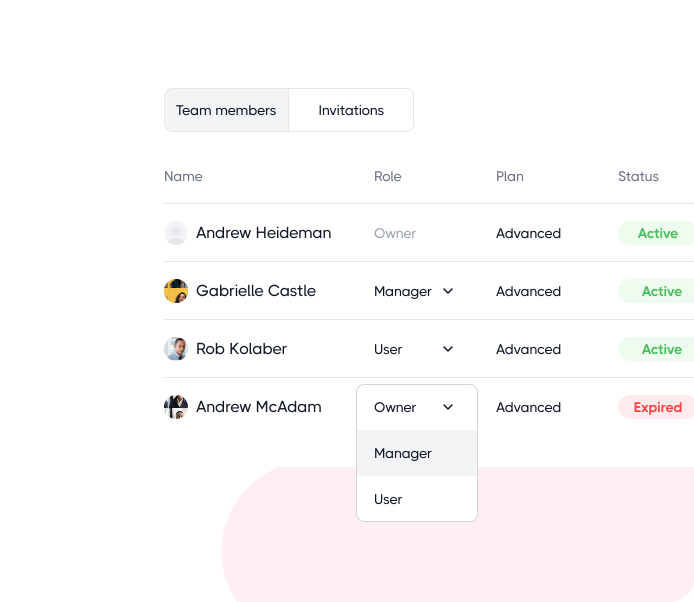
Roles in Dripify are assigned per team, so your level of access can differ from one team to another. You could be a Manager in one team and a User in another.
A User runs outreach through their own LinkedIn account and can work with team templates shared with them. They also have a lead filtering rule that lets them skip leads already found in campaigns run by other team members. However, Users can’t invite new members, see colleagues in their panel, or edit team templates.
A Manager handles most of the day-to-day sales team management and oversight. They can view team analytics, create and edit team templates, access User and Manager accounts, and upgrade or downgrade members’ plans. Managers can also invite or remove team members, but anyone they invite can only be assigned the User or Manager role. Owner-level permissions are off-limits: Managers can’t grant someone the Owner role, access Owner accounts, or remove Owners.
An Owner has full control over the team. Owners can assign roles, manage other Owners, view team LinkedIn statistics, access teammates’ accounts, and fully manage team templates.
Both Manager and Owner roles require the Advanced plan.
Removing someone from your team doesn’t automatically cancel their Dripify subscription. These are two separate actions, so simply removing a member won’t stop billing for that seat.
If the person has left your company and you no longer need the seat, you’ll need to cancel the subscription separately.
If someone else is taking over the role, you can reassign the existing seat to the new team member instead of starting over with a new subscription. That way, you keep the same subscription and billing cycle.
You can’t reassign a seat yourself, though; you’ll need to contact Dripify Support to make the switch.
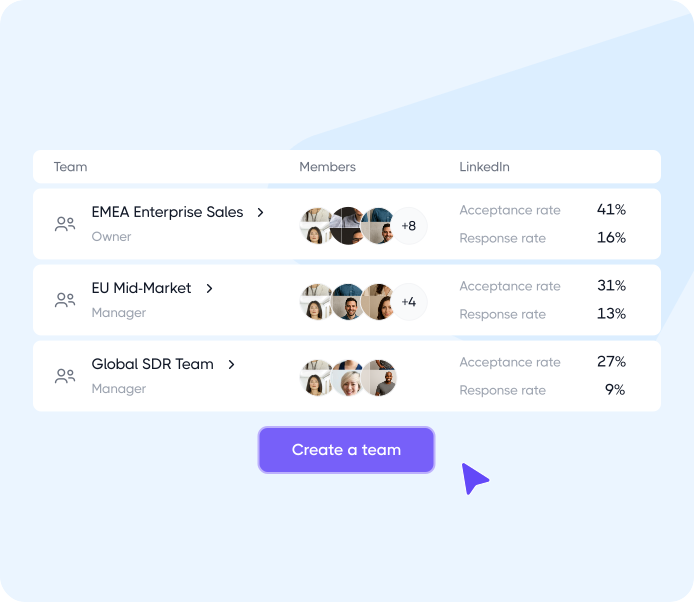
For team performance management, head to the Team tab to get an overview of how everyone is doing.
You can see each team member’s key stats, including connection requests sent, acceptance rates, messages delivered, and response rates, along with figures for the team as a whole. You can also export the statistics in bulk instead of pulling reports for each person separately.
Note: The Team tab calculates these statistics based on active campaigns only. Inactive campaigns and drafts aren’t included, so the numbers you see there reflect what your team is currently running rather than everything they’ve ever created.
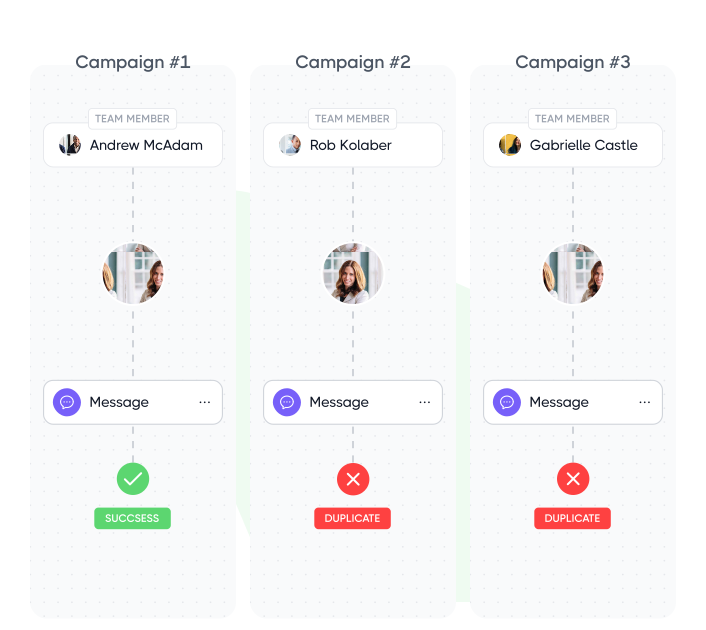
Yes. Dripify checks for duplicate leads across your team, so two reps don’t accidentally reach out to the same person. If a prospect has already been added by one teammate, Dripify can skip them when they show up in another rep’s campaign.
For example, if the same prospect appears in two different Sales Navigator searches, only the first campaign will add them. The skipped lead isn’t simply lost either. You can find them in the Lead Collection Report, along with the reason they were skipped.
Yes, Dripify lets you create and manage multiple teams under the same account. This comes in particularly handy for agencies working with different clients or companies that want to separate teams by region, department, or business unit.
Roles are assigned separately for each team, too. So the same person could be a Manager in one team and a regular User in another, depending on the level of access they need.
