
Make Every Prospect Feel Handpicked
Turn prospect data into outreach that feels thoughtfully researched, deeply relevant, and worth replying to














Had used Dripify before as well, and couldn’t stop vouching for it to my Senior. Dripify is that one tool which can make your Outbound Prospecting seamless. Excellent features, great UI/UX, and greater Onboarding + Support.




Dripify is a lifesaver. I thought I’ve seen it all in the past…Until I saw the suite of tools available with Dripify!












I’ve been using Dripify for four months and have found it very effective in building my network at a pace that I could not have imagined and to engage with new connections. The interface is easy to use and building campaigns and sequences is great.






Everything you need to sound like a person
Personalization only works if the recipient can’t tell it was automated
Use richer variables
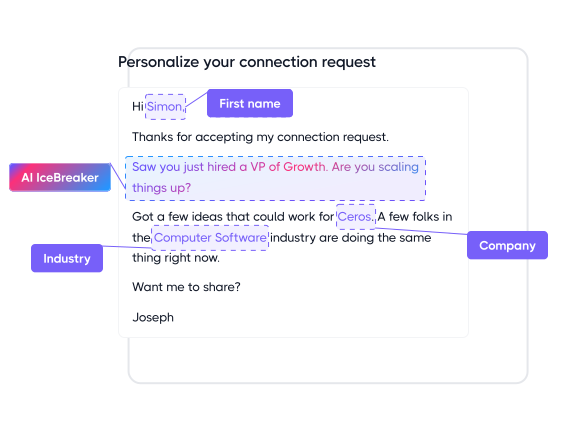
Personalize with 20+ ready-made variables like first name, company, role, location, mutual connections, and more to make every message feel more relevant
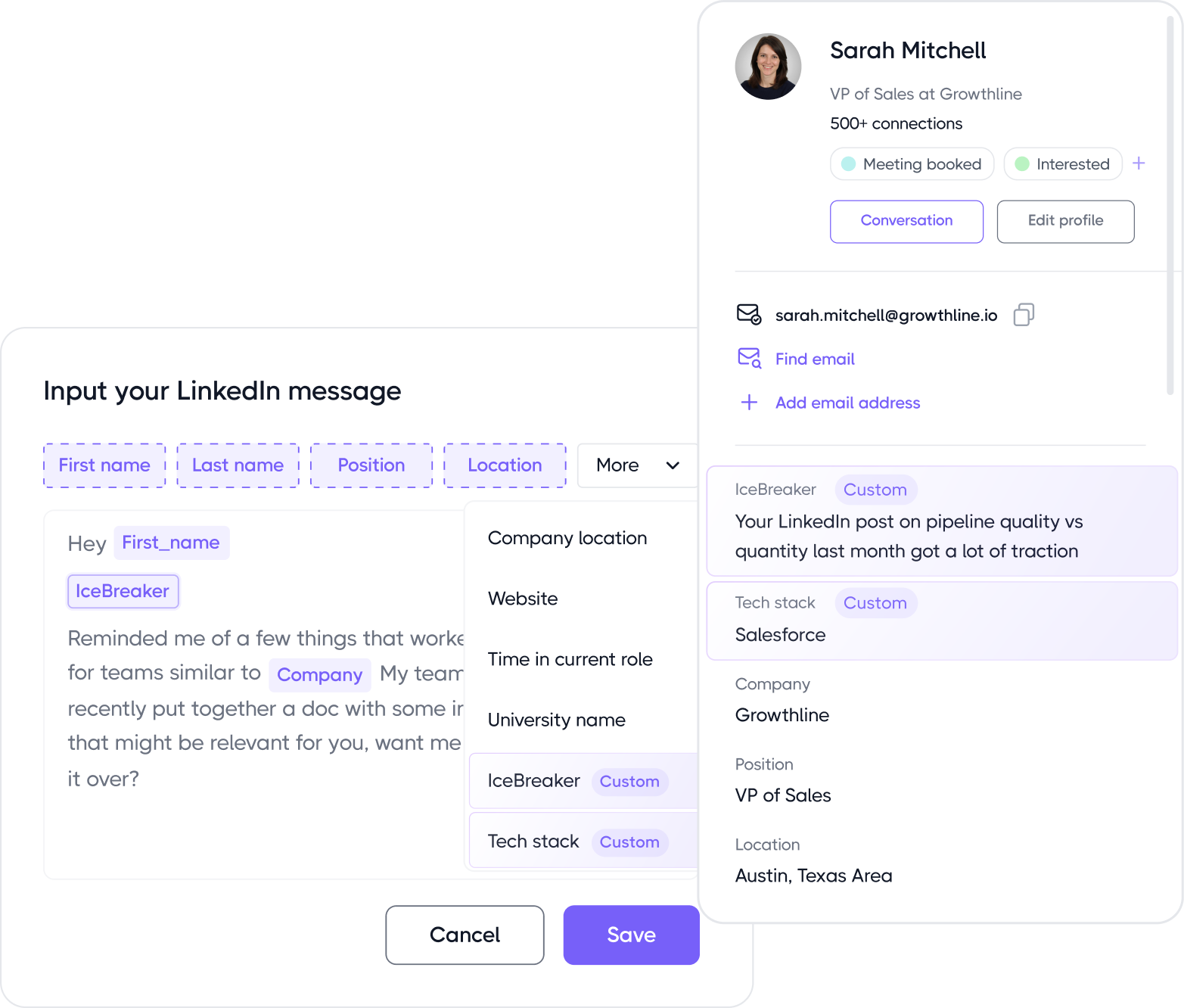
Add custom insights
Bring custom fields from Claude, Clay, spreadsheets, or other enrichment tools into Dripify and use them as variables to create deeper, more tailored outreach
coming soon
Humanize every message
Let Humanizer clean up awkward variable output and polish every message before sending, so your outreach reads natural, smooth, and fully human
Join 40,000+ companies making LinkedIn outreach embarrassinglyeasy
- No Credit Card Required
- First results in 48 hours
Explore what else you can do with Dripify
Discover other award-winning features of Dripify, the most trusted sales automation tool
Generate leads on LinkedIn
Reach the same leads on LinkedIn and book 3x more meetings than with email alone
Find corporate emails
Discover pre-verified corporate email addresses for any LinkedIn leads with industry-leading accuracy

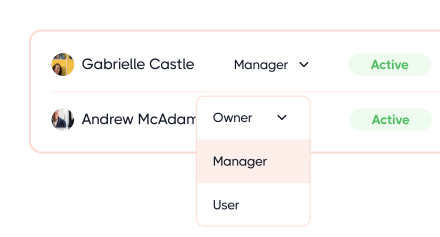
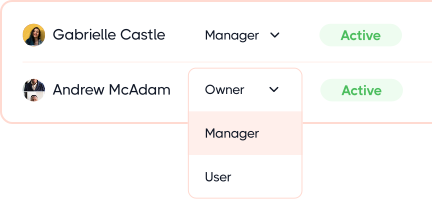
Manage team
Bring your team onboard to expand your prospecting power, scale faster, and reach unique leads more effectively
Frequently Asked Questions
Yes, you can now go beyond Dripify’s standard variables and create your own using Custom Lead Fields.
These fields can hold practically any lead-specific information you want to bring into a message. Could be a custom icebreaker, personalized link, recent company event, or account-specific detail. That’s what takes you from basic personalization to hyper-personalized outreach. You can add them for individual leads inside Dripify or import the values in bulk through a CSV.
Dripify gives you 20+ personalization variables to make each message feel specific to the person receiving it. These include the basics you’d expect, such as first name, last name, company, job title, location, and industry, plus extra information pulled from each lead’s LinkedIn profile.
You can also go beyond the standard variables with Custom Lead Fields. Add your own lead-specific details, like an icebreaker, personalized link, or recent company event, or use a custom field to bring in a fully personalized message written specifically for that lead. You can create up to 50 Custom Lead Fields per account.
The same variables work across connection request notes, LinkedIn messages, InMails, and emails. So you can personalize the entire sequence without having to set things up differently every time you switch channels.
Sure. All your messages look manually written thanks to Dripify’s personalization variables, both standard and custom. Dripify pulls details from each lead’s profile and works them naturally into your copy, so the message feels written for that person rather than like the same template with a different name dropped in.
To make your messages look even more natural, don’t skip these extra steps:
- Use the data scrubber. LinkedIn names are full of noise, like credentials, emojis, “Hiring!” and pronouns. Scrubbing strips these so {first_name} shows as Sarah, not Sarah Chen, MBA 🚀.
- Vary sentence structure between steps, not just the variables.
- Keep connection notes short. Under 200 characters reads as human; a full paragraph reads as a template.
Because that name is pulled straight from LinkedIn, and a lot of people don’t just put their name there. They might add certifications, emojis, taglines, or even their company name. When you drop all of that into your message as-is, it can look a little off.
That’s where Dripify’s Data Scrubber comes in. It works by default and automatically cleans up abbreviations, emojis, and other extras already recognized by the system. You can also add your own entries to the scrubbing list if there’s something specific you want it to catch.
It won’t clean up absolutely everything, though. Middle names, for example, aren’t removed, so it’s still worth skimming your lead list for the odd one that slips through.
LinkedIn sets the character limits, not Dripify, and they vary depending on what you’re sending.
A personalized LinkedIn connection request note gives you up to 300 characters, so there’s not much room to work with. Keep it short and personal rather than trying to fit a pitch in.
Regular LinkedIn messages can go up to 8,000 characters, but there’s a smaller limit when you’re sending them through Dripify: 5,000 characters per message.
For InMail, you get 200 characters for the subject line and 1,885 for the message body.
Having that much room doesn’t mean you should use it all, though. For outreach, getting to the point usually beats filling every character LinkedIn gives you.
Sure. Dripify lets you A/B test message versions within the same sequence and compare the results to see which one performs better. The feature is currently in beta.
Pair it with step-level analytics, and you can go beyond overall campaign performance to pinpoint the specific messages or steps where leads are dropping off.
Absolutely. If you have already enriched lead data in your CRM or another tool, you can bring it into Dripify through a CSV upload and use it in hyper-personalized cold emails and LinkedIn messages.
Simply add the information you want to use as custom columns and map them to Custom Lead Fields when you import the list.
If you need data to move between tools automatically, Dripify can also connect with platforms like HubSpot, Salesforce, and Pipedrive through Zapier, Make, or webhooks.
